 RecKit
Make every product recording feel ready to send.
RecKit turns raw screen captures into focused, polished demos for product work, launch updates, support walkthroughs, and async handoffs.
Record locally, keep momentum
Capture the screen work that matters and keep the whole flow on your Mac. RecKit is built for quick iteration without accounts, uploads, or handoffs.
Trim away the rough edges
Cut hesitation, setup time, and false starts so the final clip focuses on the moment you actually want to show.
Make demos feel finished
Turn raw recordings into clean, shareable demos that feel intentional enough for teammates, customers, and launches.
Private by default
Your screen recordings stay local. No upload queue, no waiting room, and no account gate before you can polish a clip.
The edit pass, built for demos.
RecKit gives every rough recording the cleanup pass it needs without sending you into a heavy timeline editor.
Trim the drag
Split clips, remove dead time, and keep the walkthrough moving.
Guide the eye
Cursor controls and zoom effects make the important moment easier to follow.
Shape the canvas
Tune framing, padding, shadows, backgrounds, and export settings in one pass.
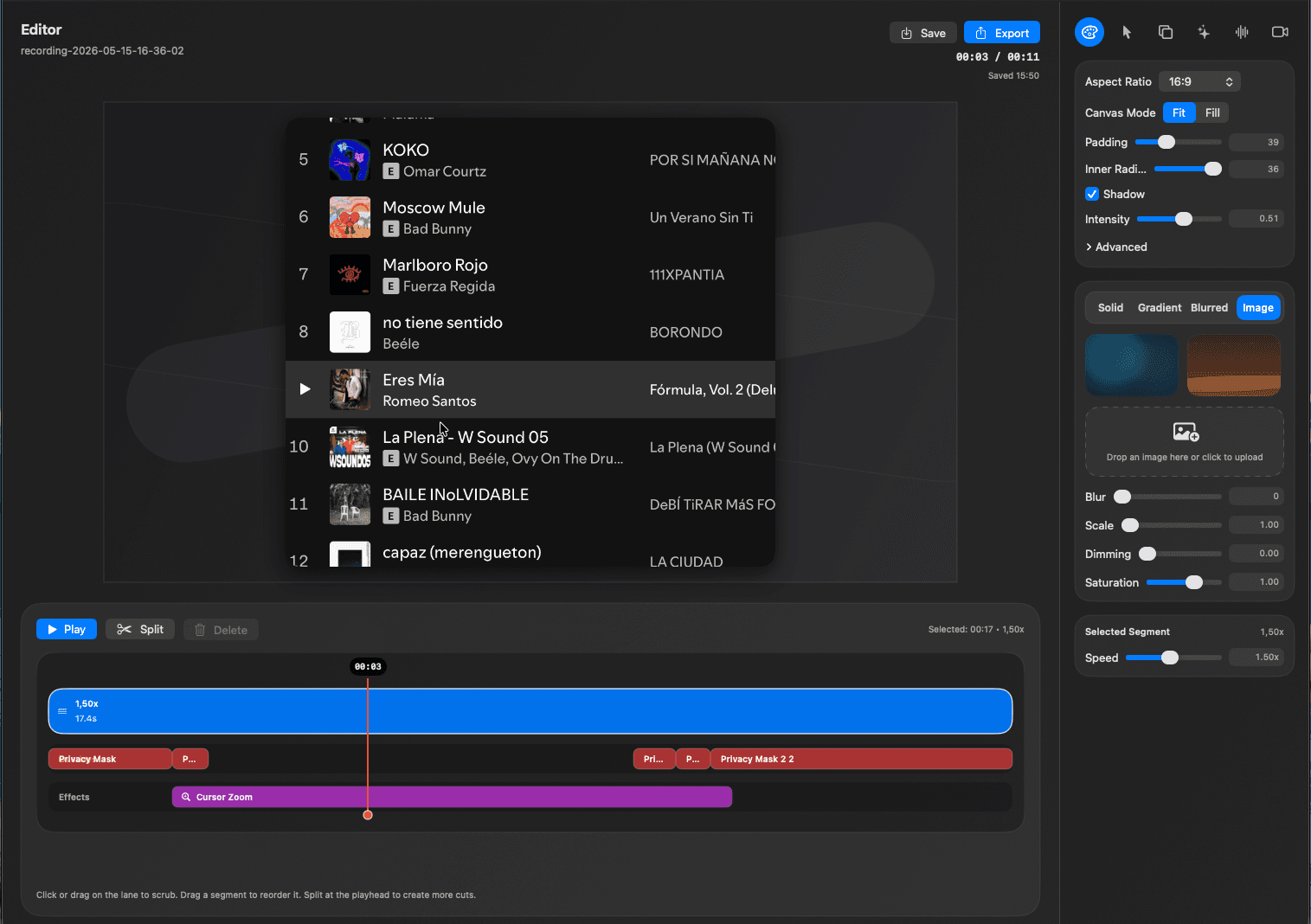
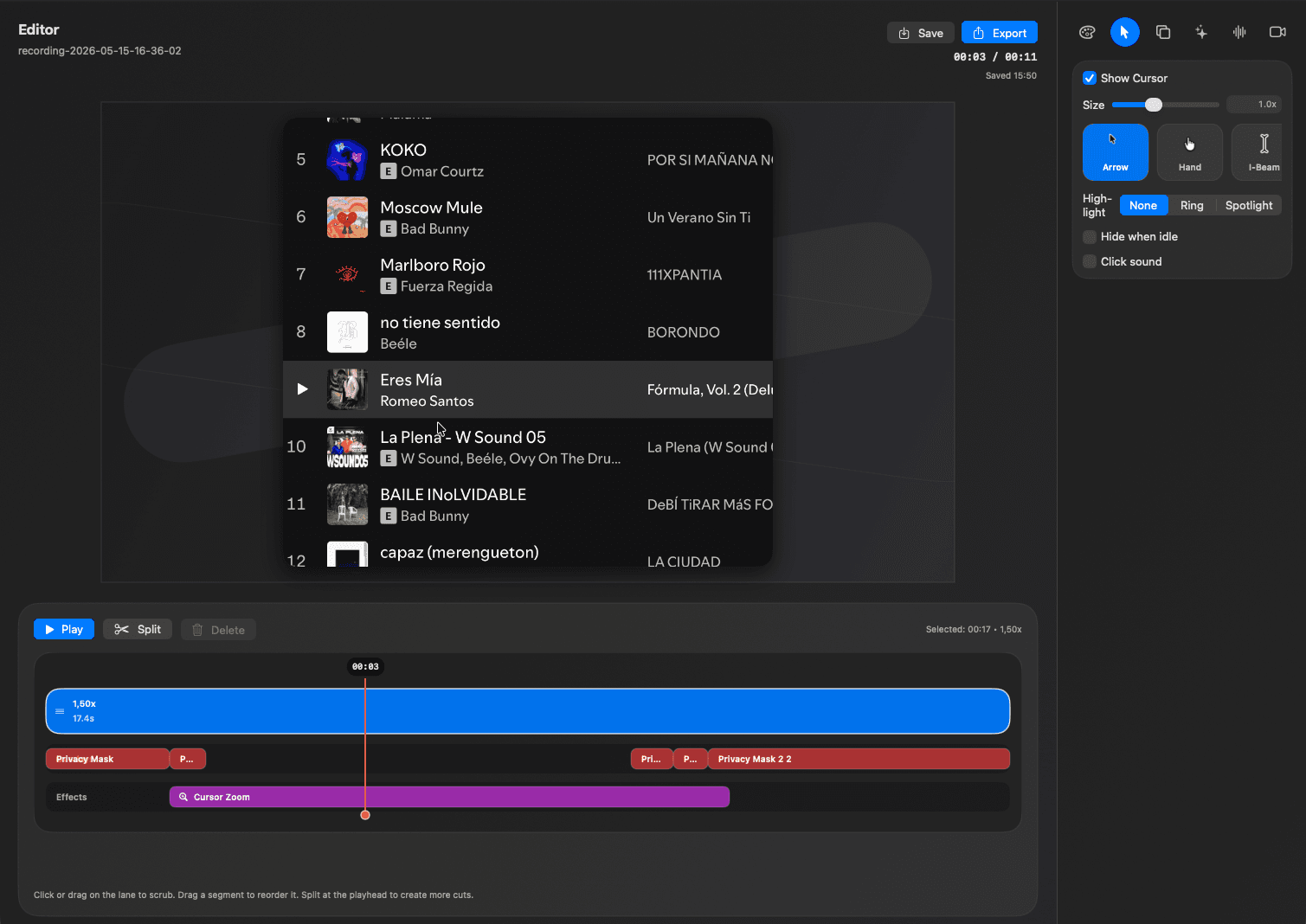
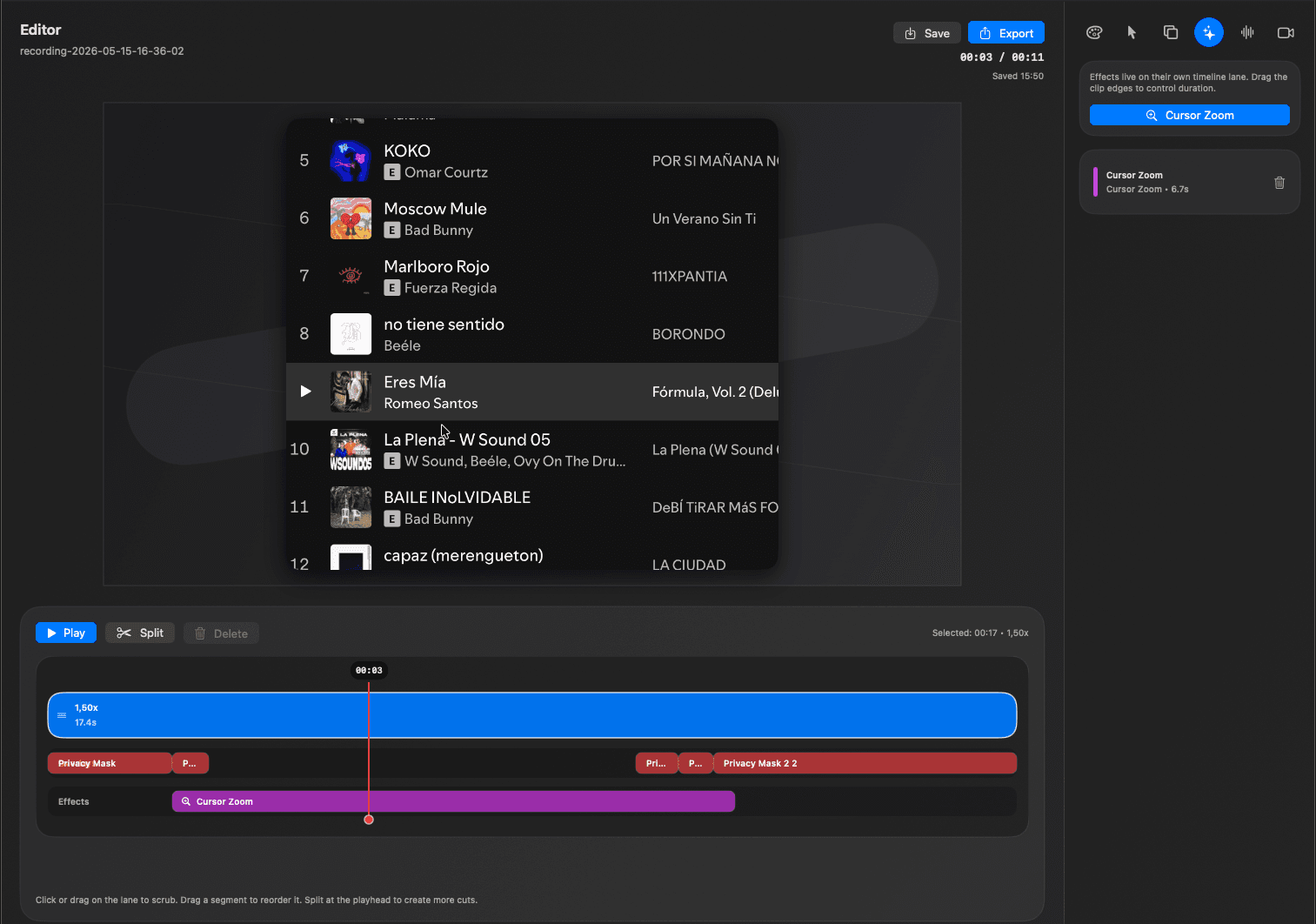
From raw capture to ready demo.
Keep the speed of recording and add the finish of editing before anyone sees the messy version.
Everything you recorded
- Long setup
- Awkward pauses
- Private details
- Unfocused screen movement
The cleanup layer
- Timeline edits
- Privacy masks
- Cursor zoom
- Canvas polish
Something worth sending
- Shorter story
- Clear focus
- Cleaner framing
- Launch-ready export
Questions before you download.
The short version: RecKit is for fast, local demo polish, not another heavy editing suite.
Is RecKit cloud-based?
No. RecKit is built around a local-first Mac workflow, so you can polish recordings without uploading private work-in-progress screens.
Do I need an account?
No account is needed to start cleaning up screen recordings and preparing demos.
Is this for full video editing?
No. RecKit is focused on the cleanup pass product demos need: trimming, privacy masks, cursor guidance, canvas polish, and export.
Can I use it for product walkthroughs?
Yes. RecKit is designed for product demos, support clips, launch updates, investor updates, and async handoffs.
Explore the workflow pieces.
RecKit is built from focused tools for the moments product demos usually need: attention, clarity, privacy, and polish.
Cursor autozoom
Guide attention to clicks, controls, and important UI moments without manual keyframing.
Auto captions
Generate bold, TikTok-style captions for social clips, launch teasers, and silent autoplay.
Local editing
Polish private product screens on your Mac without uploads, accounts, or cloud drafts.
Demo polish
Trim, mask, frame, caption, focus, and export the final version in one cleanup pass.
Ready when the recording is rough.
Download RecKit for macOS, or review previous releases before installing.