Plan one clear outcome
Pick the feature, workflow, or before-and-after moment the viewer should understand by the end.
 RecKitFeatures
Product demo tutorial
Start with one product story, record the workflow, remove the slow parts, guide attention, add captions, protect private details, and export a clip that is ready for launch, support, or sales.
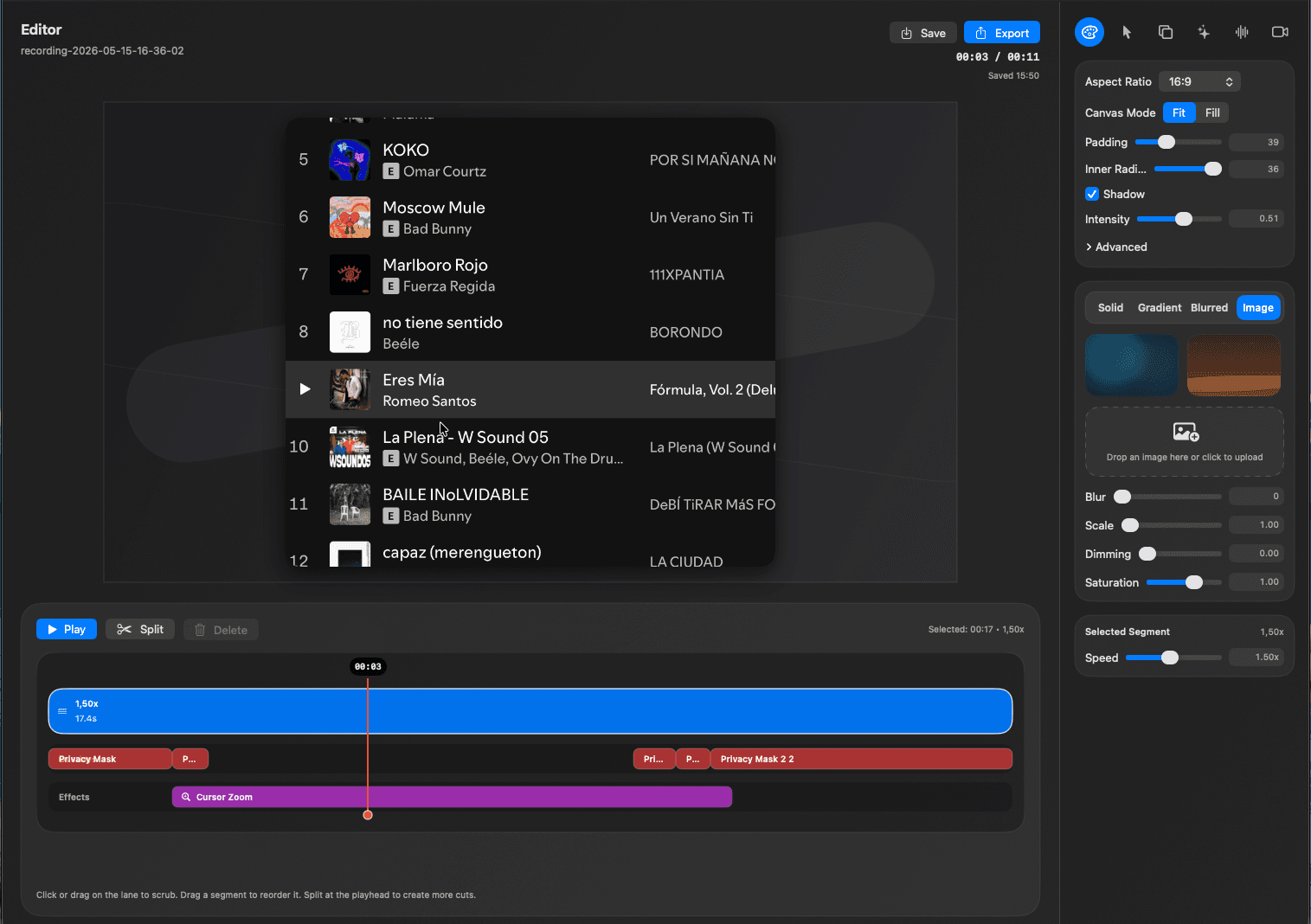
Edit pass
The easiest demo to finish is not the one you record perfectly. It is the one you can clean up quickly after capture.
Pick the feature, workflow, or before-and-after moment the viewer should understand by the end.
Capture a natural walkthrough first, then remove setup, pauses, mistakes, and waiting states in the edit pass.
Use cursor zoom, captions, privacy masks, canvas polish, and a tight export so the final demo feels intentional.
Use cases
A good product demo video should show the outcome fast, keep attention on the right UI, and avoid exposing private screens.
RecKit is built for the realistic workflow: record the messy version, then trim, caption, mask, focus, frame, and export the version worth sending.
Trim the dead time
Guide attention with cursor focus
Add captions for silent playback
Download RecKit for macOS and turn rough product recordings into polished demo videos.
More focused pages for the same RecKit workflow.